Jun 27, 2026Guides
Getting better renders: references, artifacts, and sketches
The strongest lever on output quality is not a longer prompt — it is showing the system what you mean.
By The Jewel.ai team
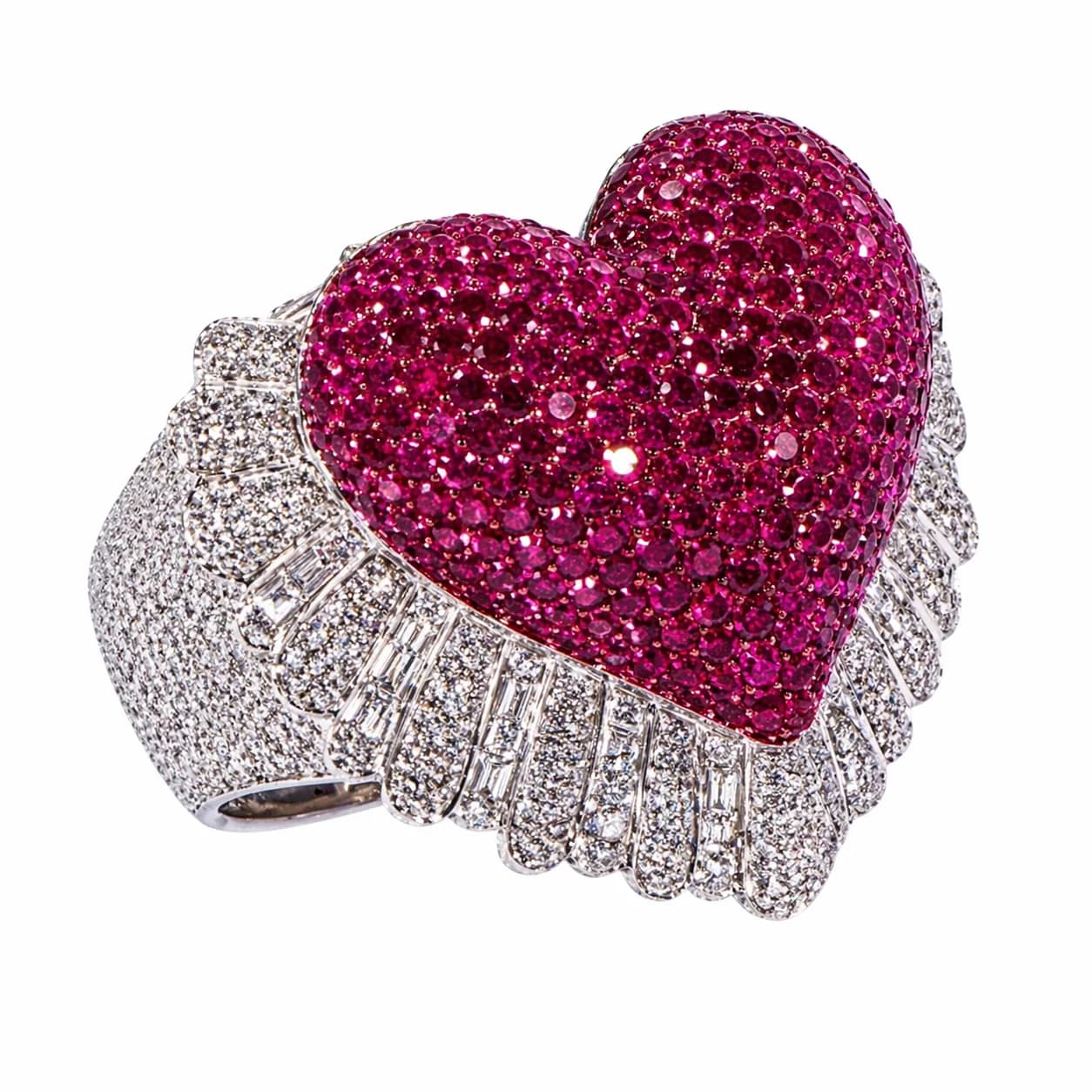
Show, don't describe
Words run out fast when you are describing shape, likeness, or texture. A reference image carries proportions, logos, engraving, and material in one attachment. If you have an image of what you want — even a rough one — attach it before rewriting the prompt a fourth time.
Three kinds of attachments
- Reference photos show broad visual intent: likeness, materials, texture, or a previous output whose direction should carry forward.
- Artifacts are precise, named parts — a bail shape, a clasp, a link style, a setting. Save one when a specific detail must survive generation exactly.
- Sketches communicate layout: silhouette, stone placement, orientation, scale. They are guidance for structure, not finished realism.
Mention attachments in the prompt
Attachments work hardest when the prompt says how to use each one. Instead of uploading three images and hoping, write it out: use the first image for the silhouette of the pendant, apply the artifact only to the bail, follow the sketch for how high the raised details sit.
When results drift
If a detail keeps coming out wrong, stop adjusting adjectives. Save the correct version of that detail as an artifact, or crop a reference down to just the part that matters, and generate again with an explicit instruction for it.